Google Docs
Overview
Telio can connect to documents from Google Docs, allowing you to share context with your AI agents for call and text support.
Steps to Connect
- Add Google Docs as a Knowledge Source on Telio Dashboard and click Select Files:

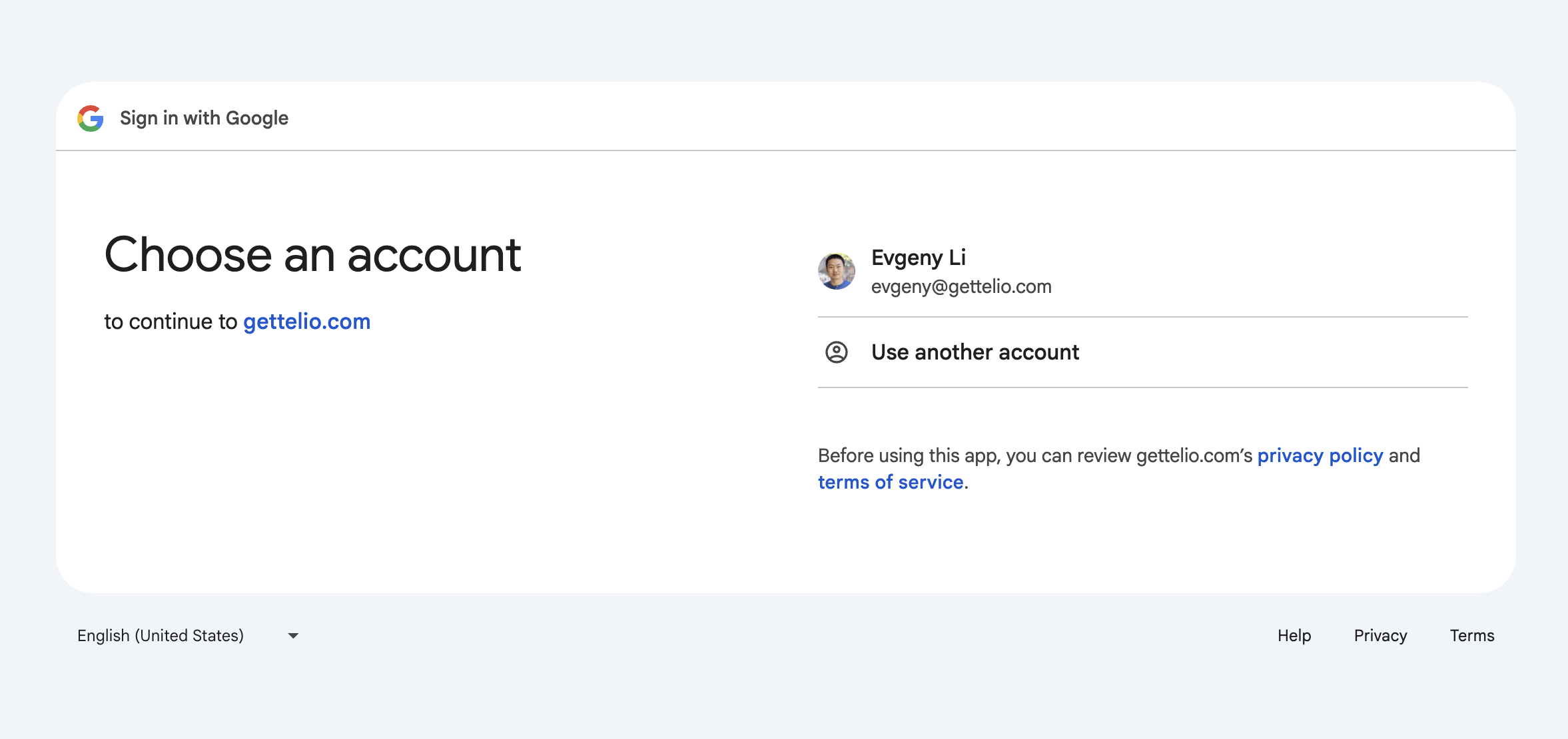
- Select the Google account you want to connect with Telio and allow access:
- In the open modal, select the files you want to sync with Telio and click Select:
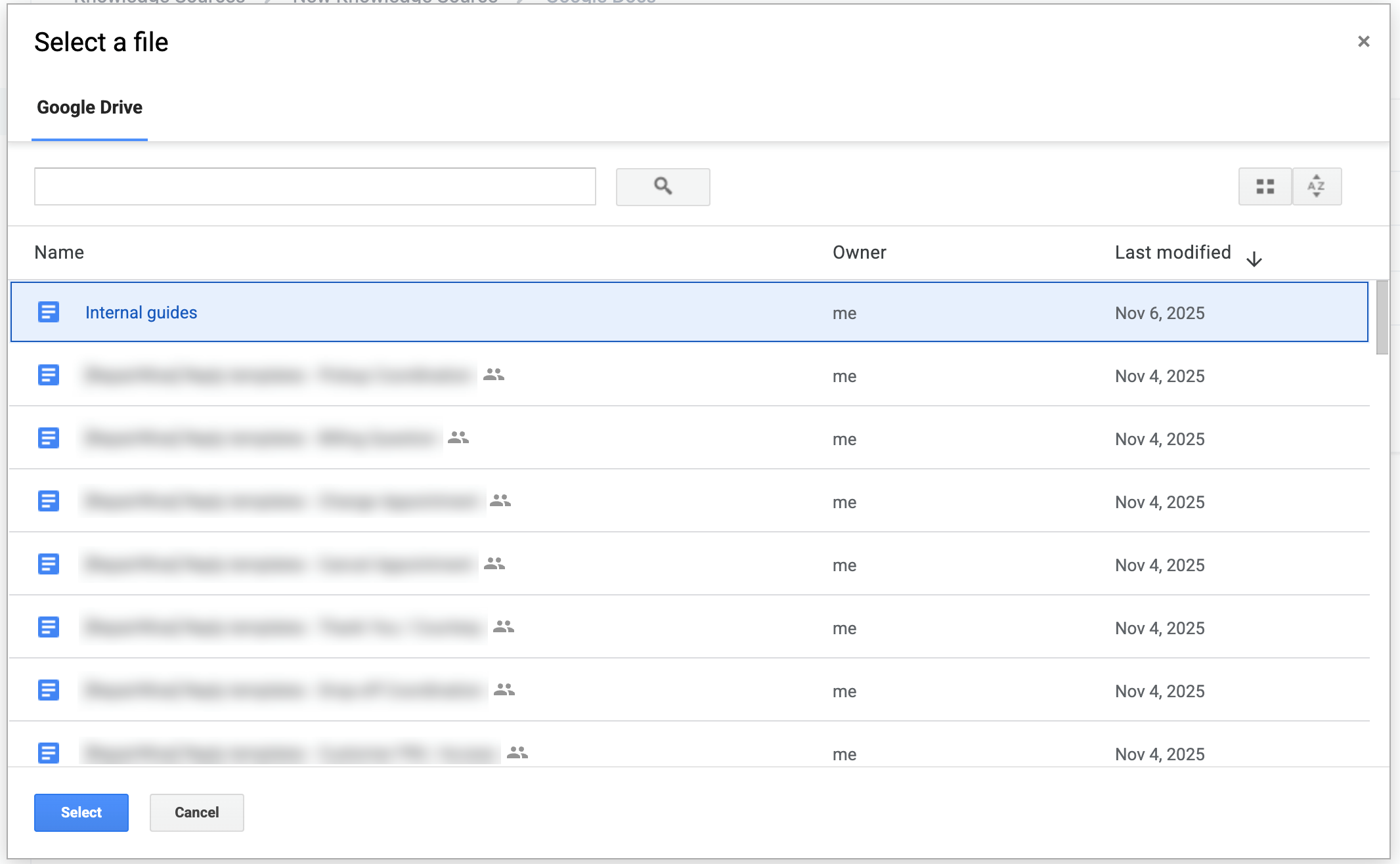
- After selecting the files, save the Knowledge Source to make it available for your AI agents.