Dialpad SMS
Overview
Telio can connect and sync SMS messages from Dialpad, allowing you to build AI agents that investigate and resolve customer issues.
Steps to Connect
Step 1: Create Dialpad API Key
- Navigate to Admin Settings → My company → Authentication → API Keys.
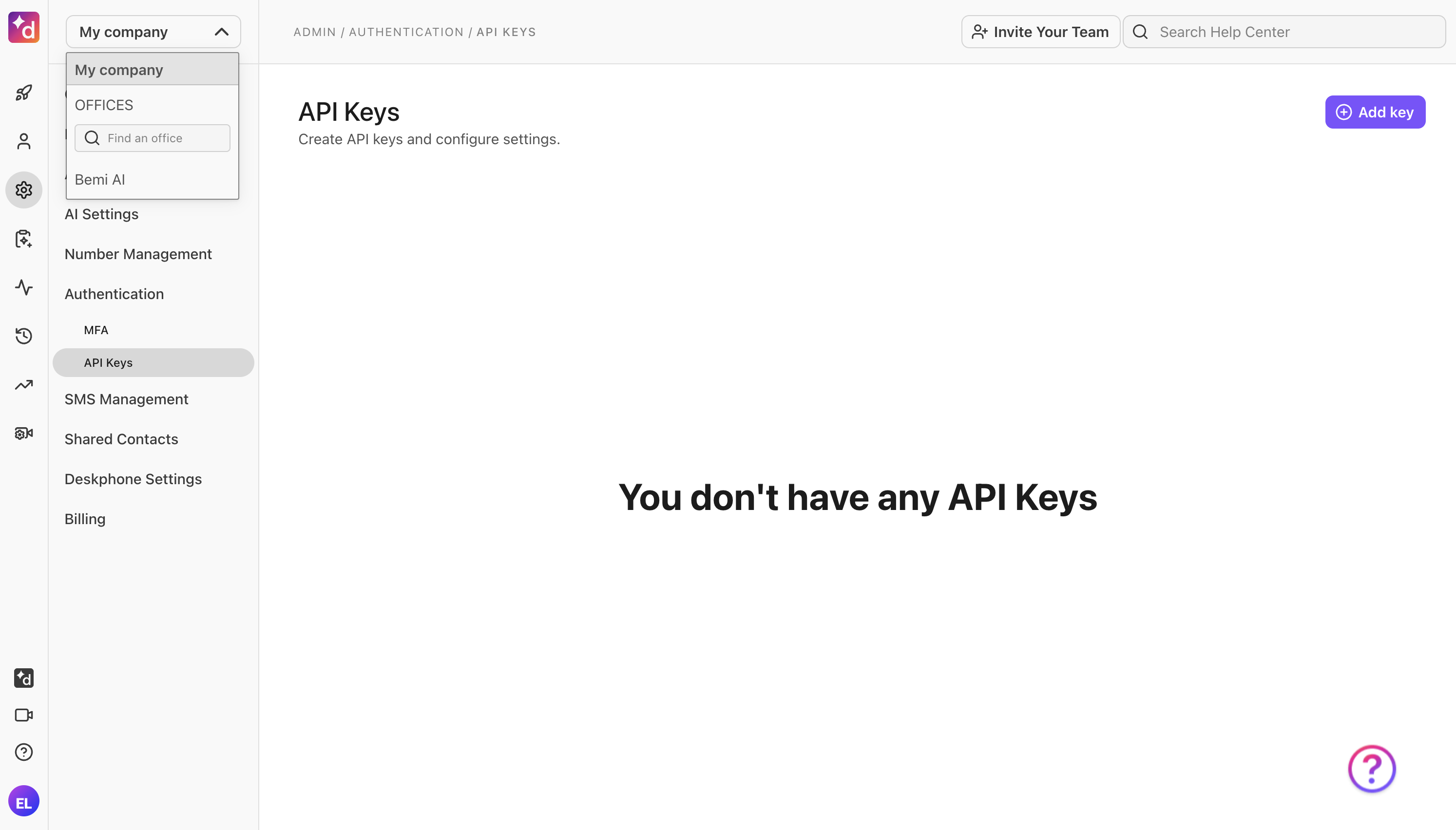
- Click Add key.
- Enter Telio as the name for the key and check Message content export as the additional scope.
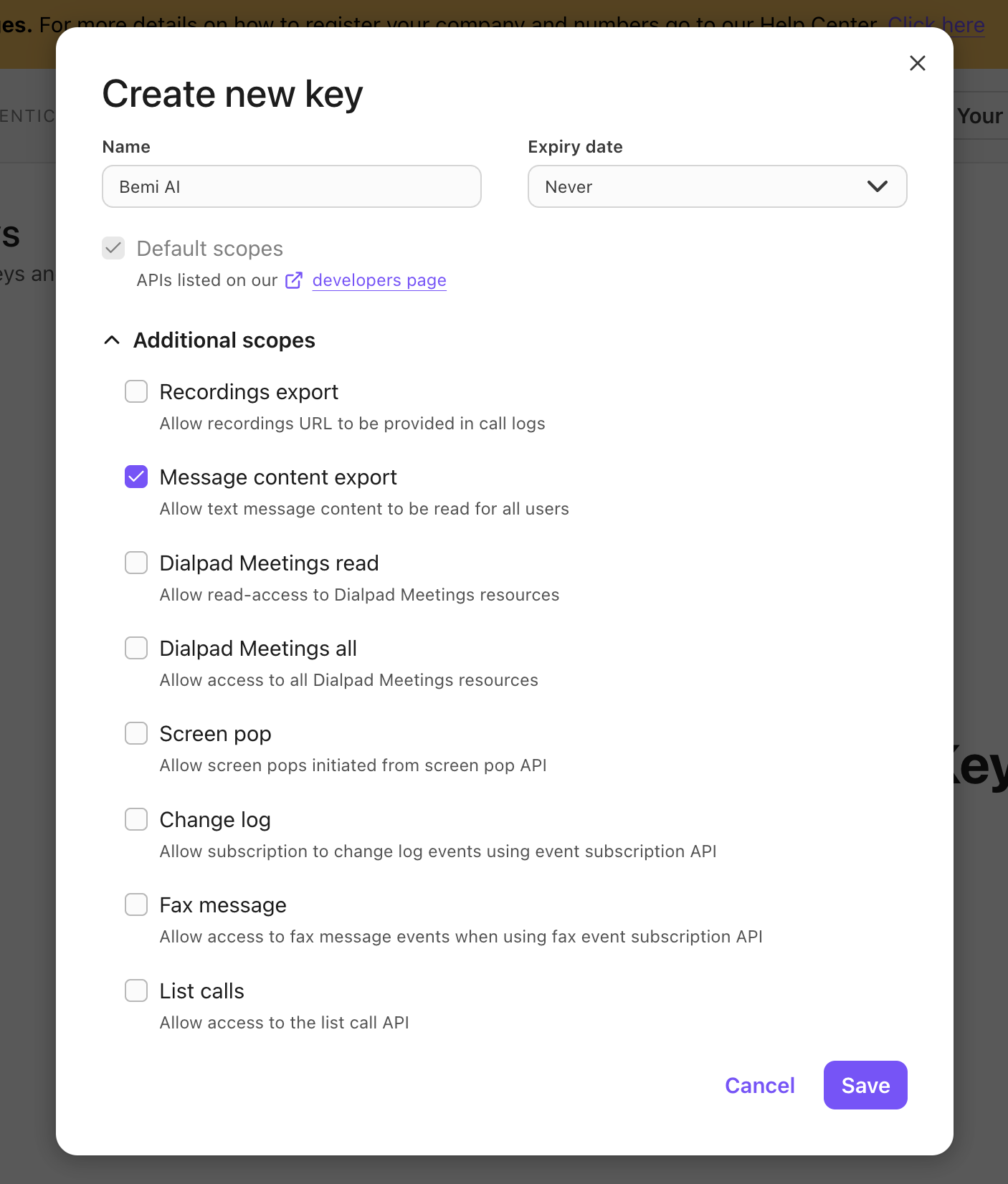
- Click Save.
Step 2: Enter Connection Details into Telio
Simply paste the generated API key into the Dialpad connection setup form on Telio.